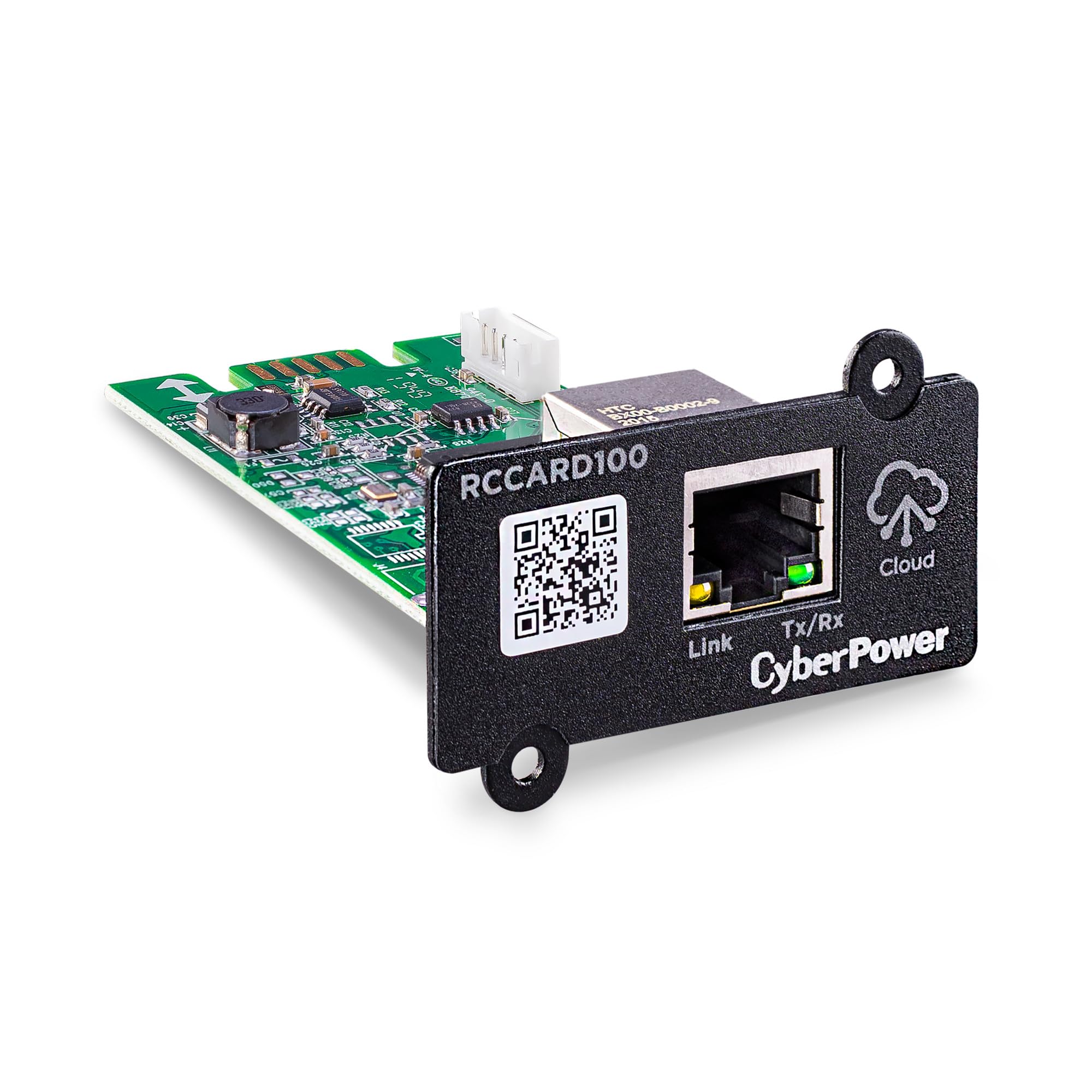
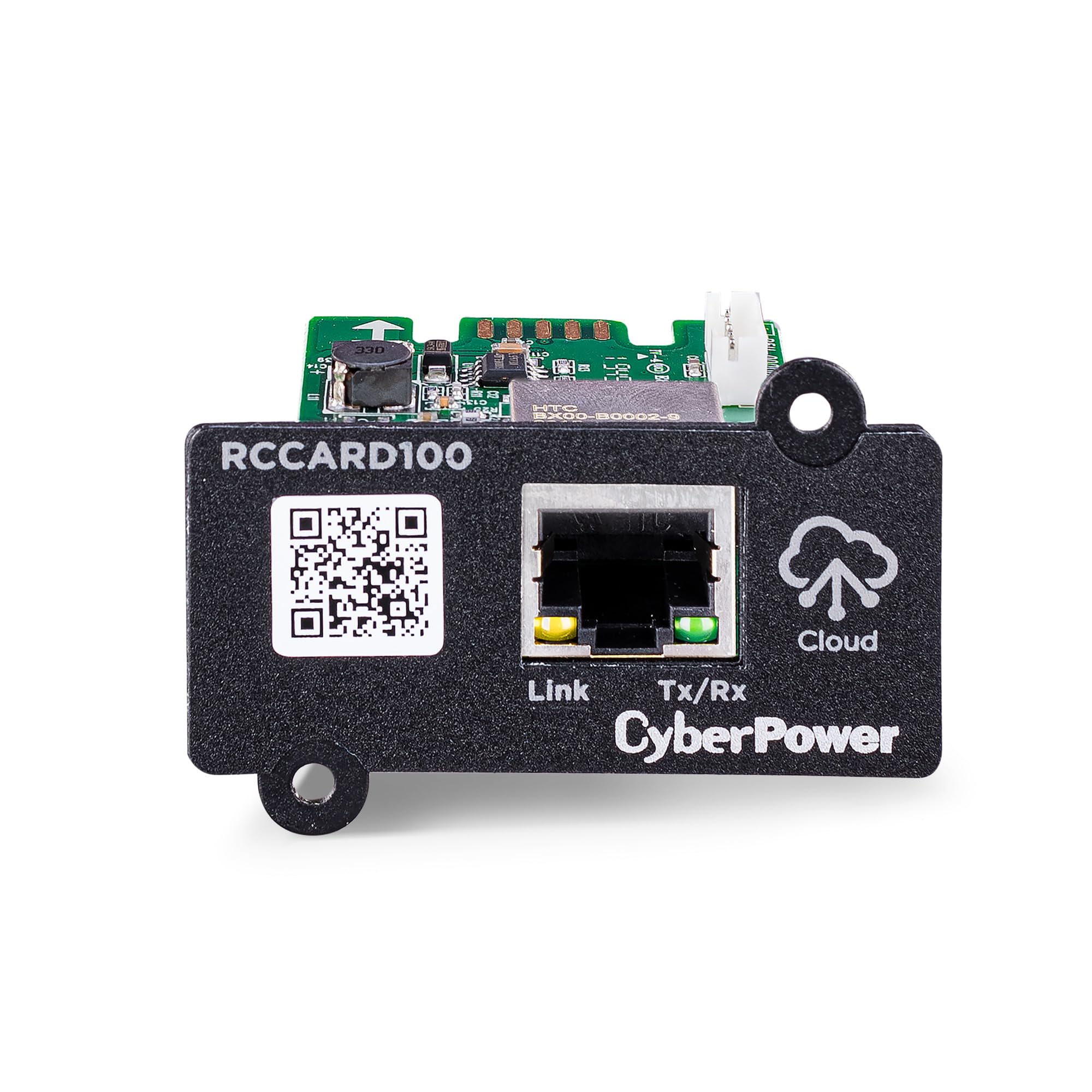
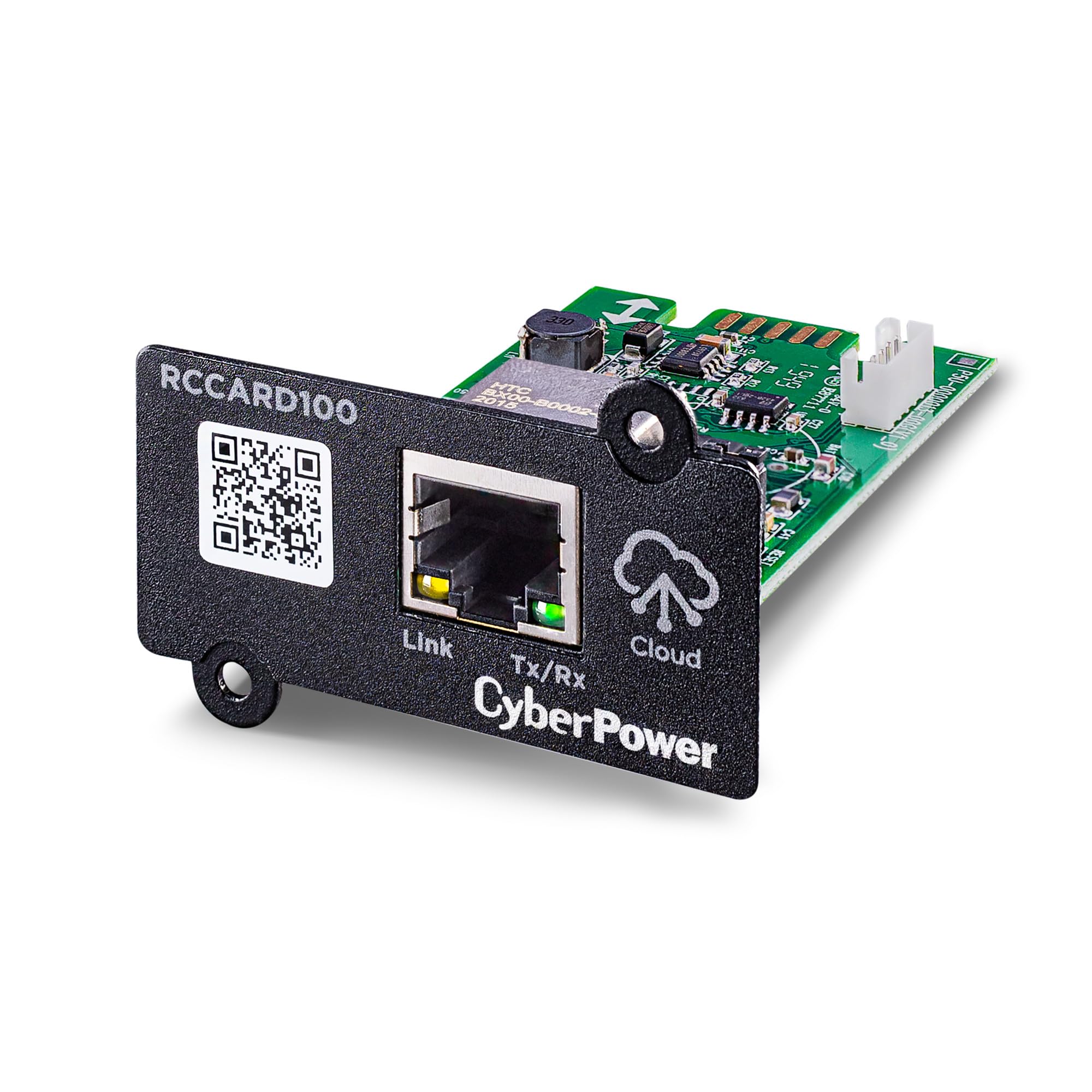
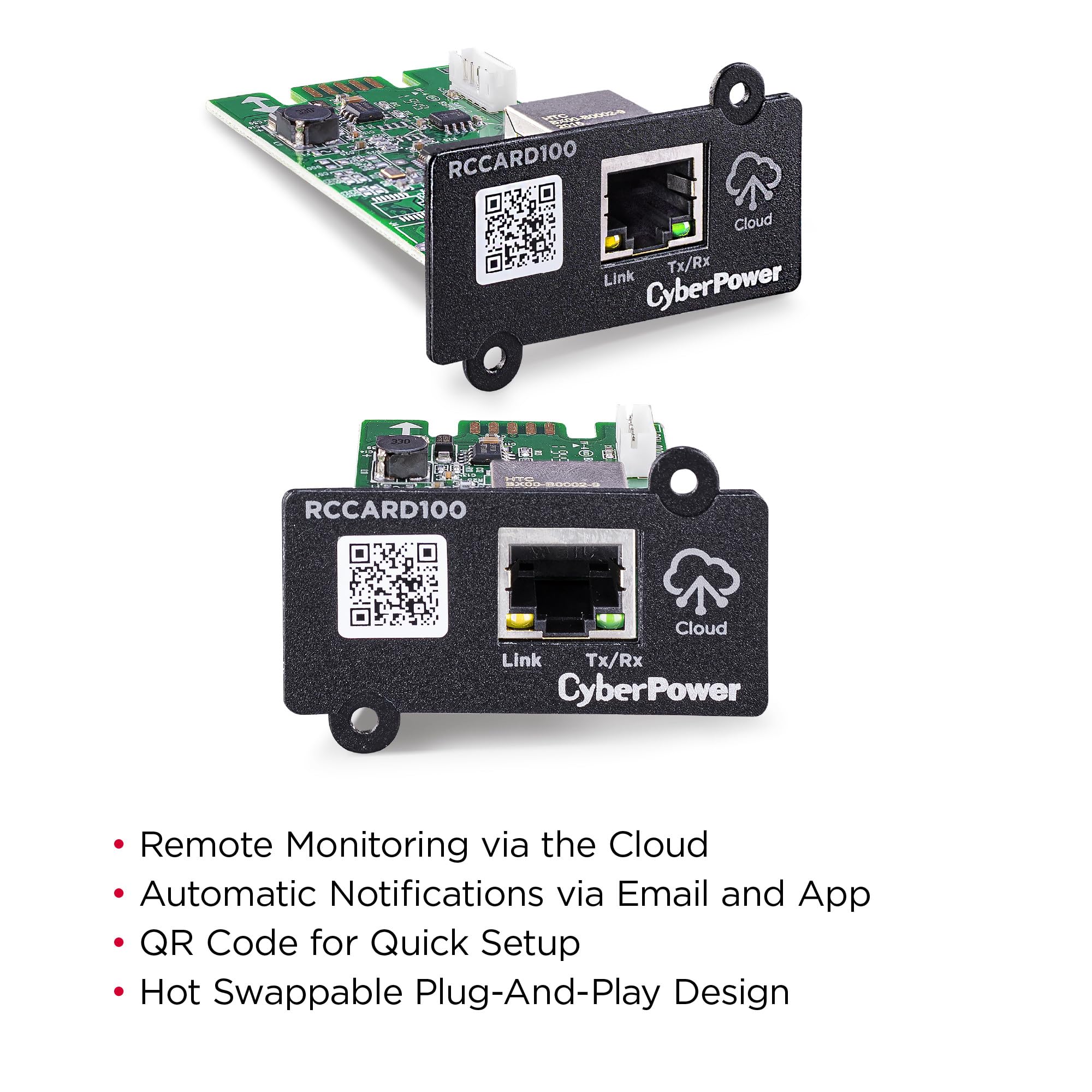
☁️ Power up your peace of mind with smart, remote UPS management!
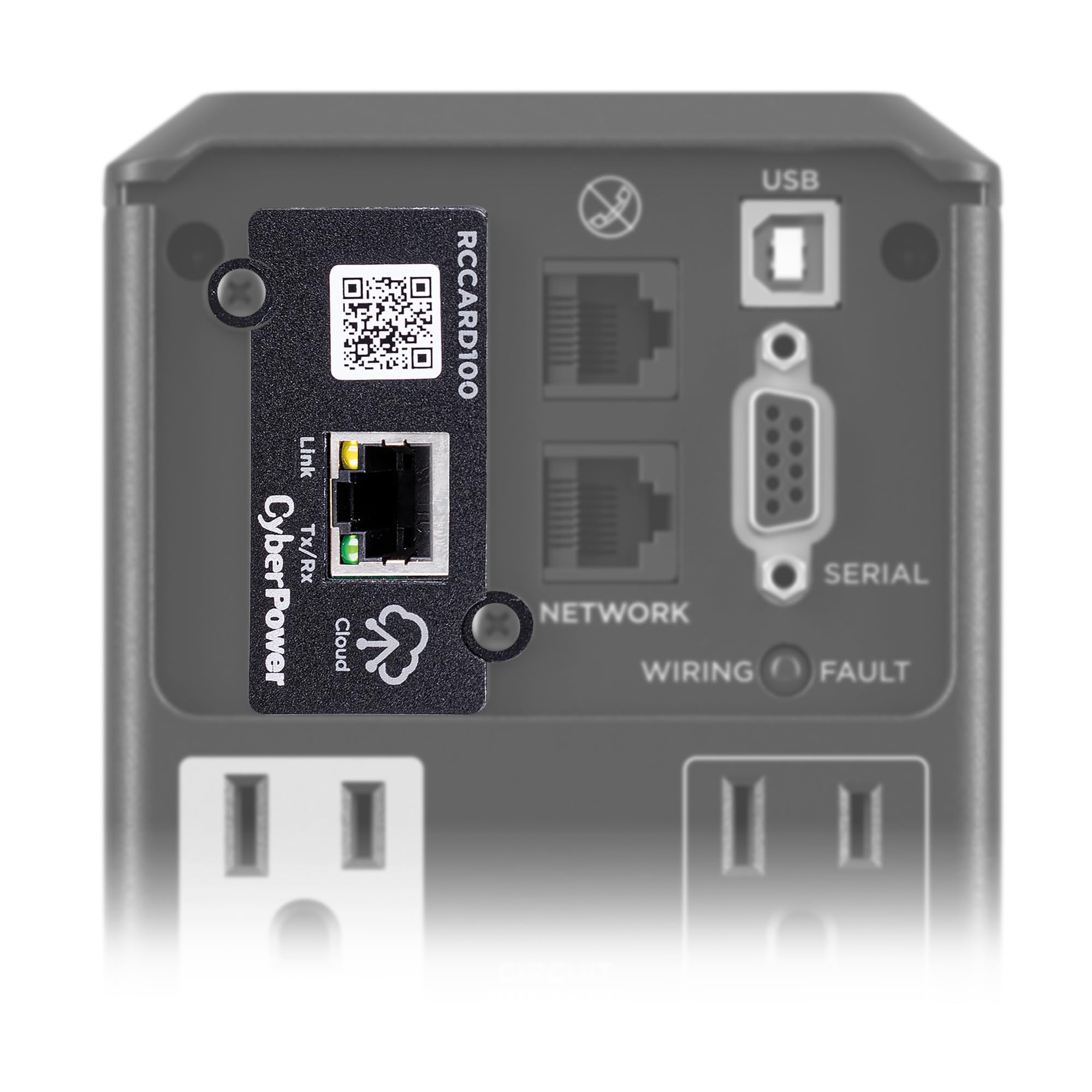
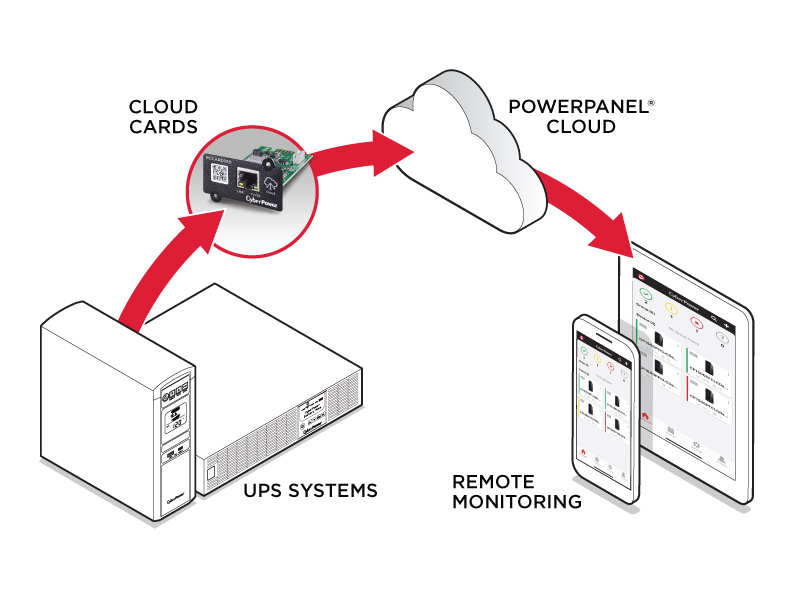
The CyberPower RCCARD100 is a compact, plug-and-play cloud monitoring card designed for select CyberPower UPS models. It enables remote UPS management via the PowerPanel Cloud app, offering real-time alerts on power events and battery health. Featuring a hot-swappable design and user-upgradeable firmware, it ensures seamless installation and future-proof functionality—all backed by a 3-year warranty.


| ASIN | B093TXQX2V |
| Battery Cell Composition | Other Than Listed |
| Battery Cell Type | Other Than Listed |
| Best Sellers Rank | #35 in Internal Computer Networking Cards |
| Brand | CyberPower |
| Color | Black |
| Connector Type | RJ45 |
| Customer Reviews | 3.8 out of 5 stars 133 Reviews |
| EU Spare Part Availability Duration | 2 Years |
| Enclosure Material | Plastic |
| Form Factor | CyberPower Cloud Monitoring Card |
| Frequency Range | 50/60 Hz (± 3 Hz) |
| Global Trade Identification Number | 04712856274363 |
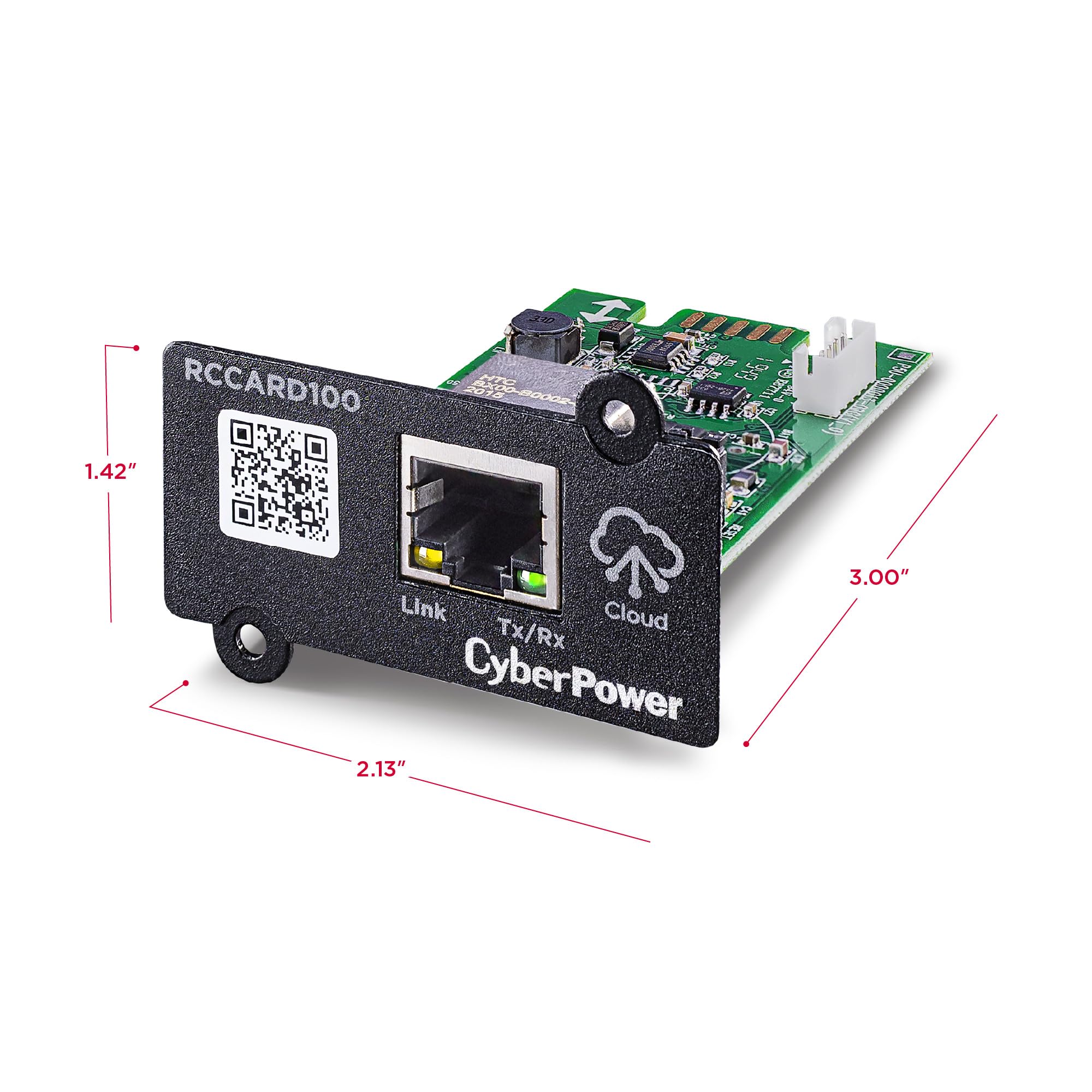
| Item Dimensions D x W x H | 3"D x 2.13"W x 1.42"H |
| Item Height | 36.1 millimeters |
| Item Type Name | CYBERPOWER CLOUDCARD RCCARD100, LAN |
| Item Weight | 1.12 ounces |
| Lower Temperature Rating | 32 Degrees Fahrenheit |
| Manufacturer | Cyber Power Systems |
| Material | Plastic |
| Model Number | RCCARD100 |
| Output Wattage | 100 Watts |
| Power Plug Type | No Plug |
| Product Dimensions | 3"D x 2.13"W x 1.42"H |
| UPC | 649532931972 |
| Unit Count | 1.0 Count |
| Upper Temperature Rating | 104 Degrees Fahrenheit |
| Voltage | 220 Volts |
| Warranty Description | 3 Year Warranty |
| Wattage | 3600 watts |
A**R
Now can monitor battery level, events, and battery health!
A UPS is only as good as the battery. This allows me to automatically get alerts on events, warnings, battery charge and battery health. Batteries need replaced every 3 years or so and this will keep me advised. Easy to install but give yourself a bit to configure and get web link & smartphone app running. Of course bit pricey, but this is not likely a high volume item. I appreciate the peace-of-mind.
J**E
Install is easy
EZ install, works as expected
D**E
DOES NOT SUPPORT SNMP OR NUT
DOES NOT SUPPORT SNMP OR NUT Setup was easy once you download the app. There is no way to identify the device except to scan the QR code inside the smartphone app which you have to login to just to setup the device. This gets cumbersome when you pop the device into a rack where it is dark and difficult to see. The powerpanel app itself has no way to turn on the light and disables the light if it is already on so I had to find a flashlight to light up the QR code just to scan it. There is no mac address or any ID info listed on the device directly. The device also does not support any local information such as SNMP or NUT. I was hoping even a simple network attachment would be able to perform something that a first gen Raspberry PI Zero released in would be able to perform but this cannot do anything like that. For the cloud connectivity there is no way to pull the information into any system that I could find. I connected the UPS to a USB connection to see if I could configure it using a locally installed windows app. Not only was there no options to configure the network connection but I was also unable to use the USB signaling while the RCCARD100 was installed. Windows did not recognize the UPS as a battery at all. Once I removed the card the windows powerpanel app gave a single option to run for as long as possible or conserve battery for how to handle a power failure event but no configuration options for the UPS itself. I had to uninstall the app to get the device back to normal so that I could use windows to specify to go into standby after 1 minute. So in summary this device is read only and only provides data to a proprietary and poorly built smart phone app. I couldnt find any way to get the battery level information transmitted to a brand name NAS. Also the device requires a subscription after 90 days. Why is it so difficult to get a simple built in connector to provide battery level information to local devices that does not cost around or more than the UPS itself. The locally available equivalent of this card is $324 as of writing this. I paid $283 (on sale) a few months ago for the 1000W/1500VA UPS installed in my rack. The lower wattage 300W UPS I have installed before was around $150 with a $110 addin network connector card but unfortunately it is completely different from this even though it is also Cyberpower. I guess it is time to grab a PI or similar for cheaper than this thing costs and DIY it. Complete E-waste not worth any of your time or money.
V**H
Works - 3 years free monitoring
I ordered the wired version but received the wireless model (RWCCARD100). I decided it use it rather than deal with an exchange. It installed in an OR500LCDRM1U without issue. Adding it to WiFi was fairly easy following prompts on the "PowerPanel Cloud" app. You can monitor the cloud connected UPS via the app or a web browser. My company has a lot of APC Smart-Connect UPS deployed. CyberPower's cloud platform provides 3 years of monitoring vs APC's 2(?). I also prefer CyberPower's cloud console layout as most information is much easier to pull up. APC's interface requires a lot of clicking around. This is the first CyberPower cloud connected UPS we've worked with and are impressed so far.
D**Y
easy to install but requires subscription
unable to manually configure, requires subscription for alerts
R**T
Excellent UPS Tool
Fully compatible with Synology NAS (DSM 7).
H**O
Subscription -based UPS monitoring but first timers get a 3 yr trial
Install was easyfor the wifi variant. Setup with the app was not a problem. Free 3 year subscription on the first device registered to your account. I also got one wired variant and to my surprise, I was also offered the 3 yr trial subscription. I guess it's one for each type per account.
J**D
No SNMP or NUT, terrible product, cloud subscription required
Terrible product! It does not support SNMP or NUT making it impossible to self-host the UI; instead, you must use their proprietary cloud service which carries a yearly subscription fee via phone app or online. The only saving grace of this device is it pops right in. Setup just to get to the free trial of the cloud software was awful. I'd stay far away from this device. Unfortunately the only alternative is buying the ~$350 "205" card that allows the self-hosting, but that's as much as my UPS is so that's not going to happen.
Trustpilot
4 days ago
1 day ago


